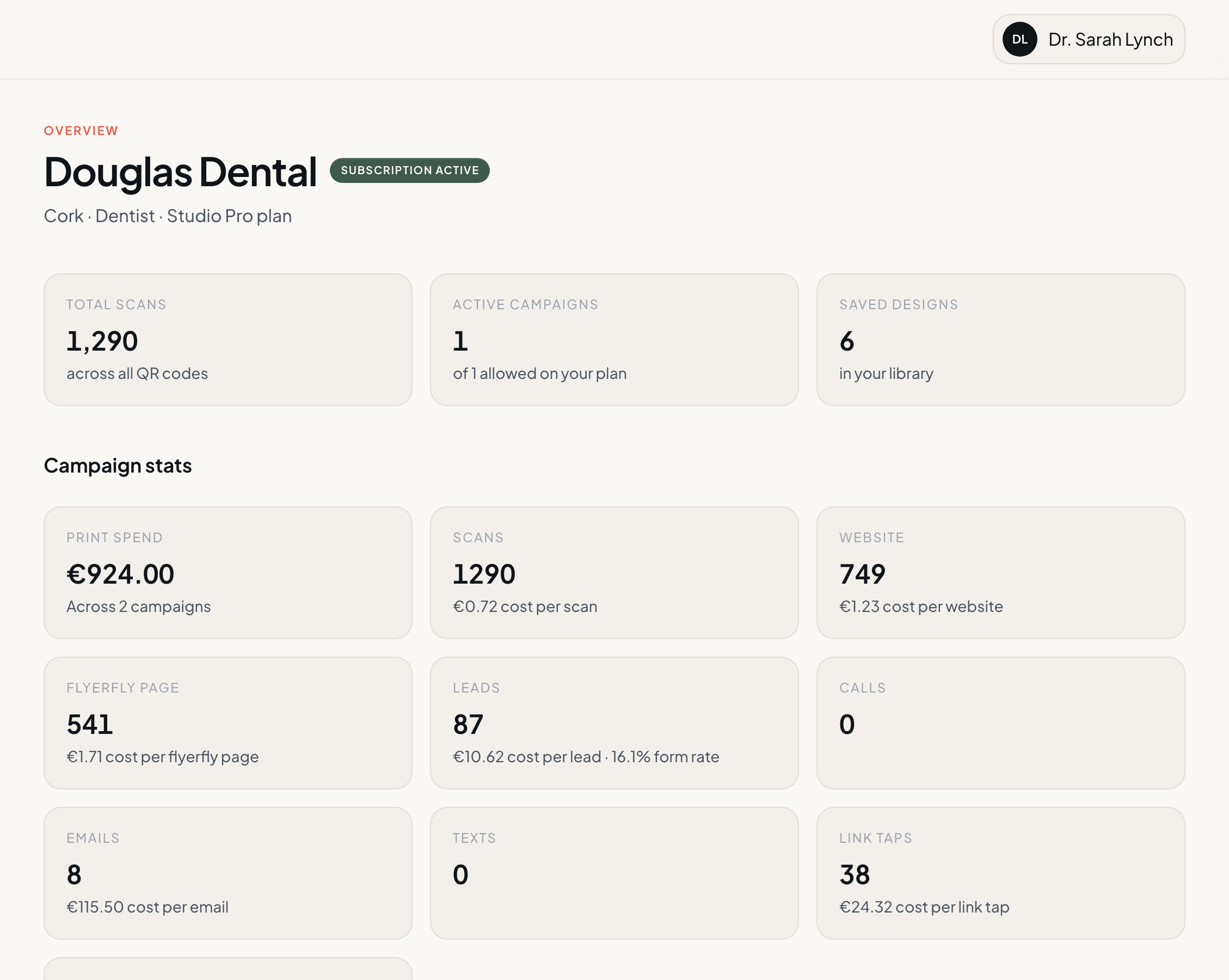
Overview across every campaign
See active campaigns, recent scans, and leads from one home screen.
- Cross-campaign summary of scans, leads, and calls
- Ongoing campaigns surfaced on overview
- Jump into any print run from one place
flyerfly — Overview
Campaigns
Overview, live results, cost per lead, and maps for every print run.
Join the waitlist for early access. No payment details required.
flyerfly — Activity chart
Loading map
0 without a location
See active campaigns, recent scans, and leads from one home screen.
flyerfly — Overview
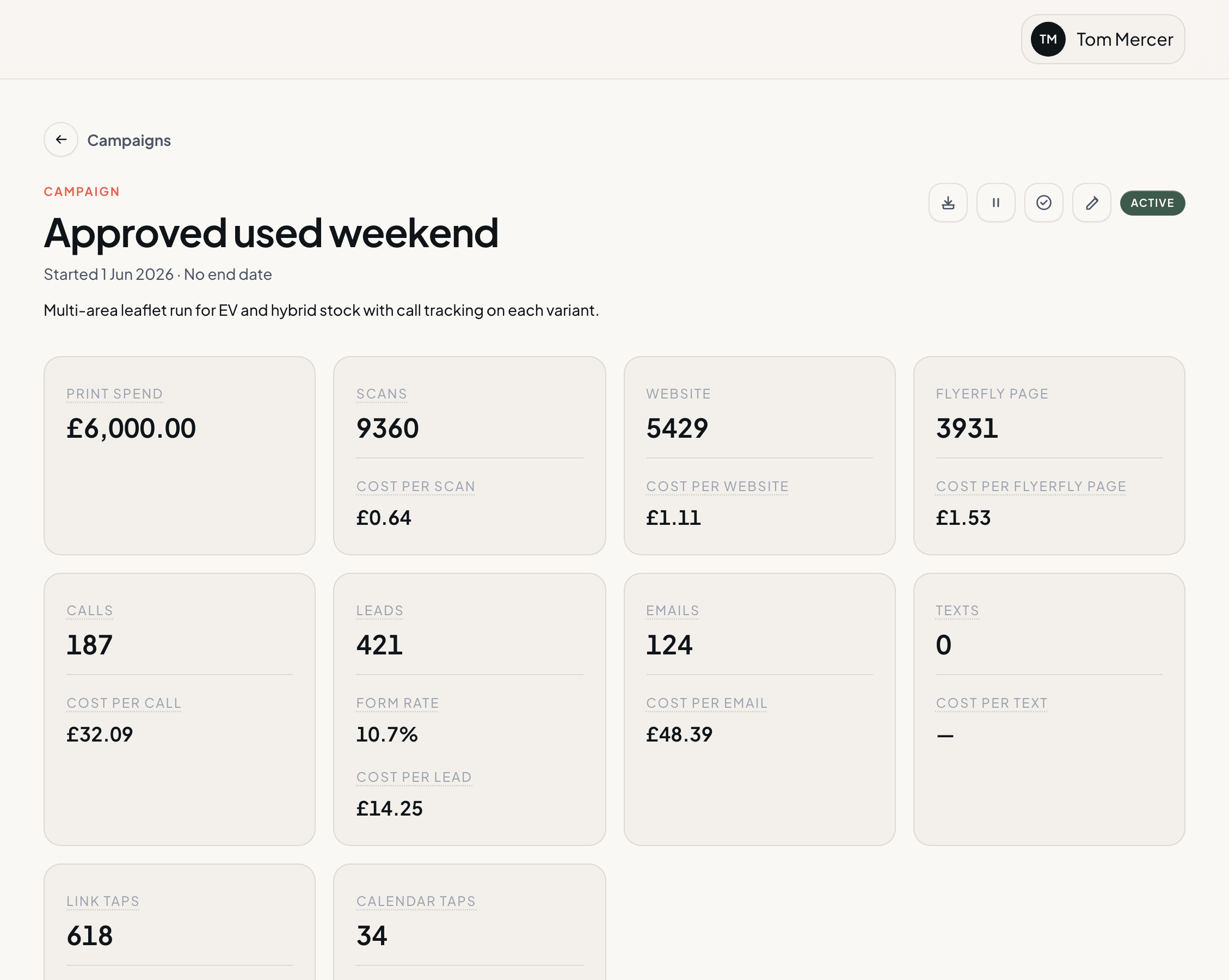
Scans, leads, calls, and print spend on the campaign that went out.
flyerfly — Campaign
See when scans and leads came in across the life of the campaign.
flyerfly — Activity chart
Loading map
0 without a location
Maps show where scans and leads came from after print went out.
flyerfly — Response map
Loading map
0 without a location
Rank the areas that brought the most scans and leads.
flyerfly — Top scan areas
Print spend divided by leads on the campaign.
See what each scan cost when print spend is logged.
Run two offers in the same window and compare results.
Pull campaign results into spreadsheets, reports, or the tools you already use.
Print shops can share a client portal with their results.
Start, end, and status on every print run.
One print run you can measure, with its own creative, dates, and results.
Log print quantity and spend on the campaign. flyerfly divides total print cost by your leads to show cost per lead. The same math applies to scans and calls on the actions you turned on.
Run two campaigns in the same window and compare scan and lead rates side by side.
Print shops can share a client portal with that client's campaigns, scans, leads, and reports.
Tell us about your business, campaign setup, or enterprise needs. We will point you in the right direction.